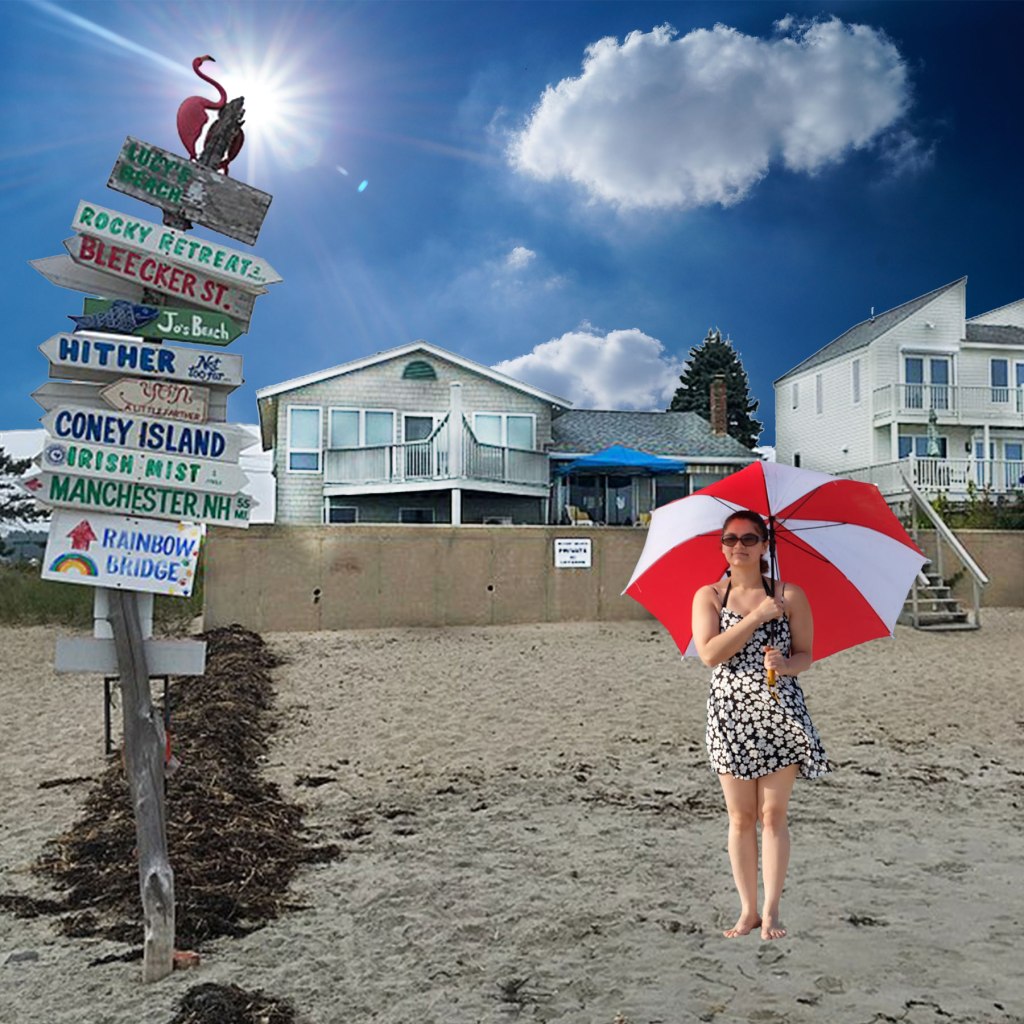
Today in class I started with the beach scene on a cloudy day. Then, I added the bright sky with clouds and a sun. After that, I used the lasso tool and added the girl with the umbrella using a layer mask. Finally, I made the houses lighter with the dodge tool since it was now a sunnier day. This project was fun to do! I then exported my image for the web and to turn in.
Original Compositional Designs
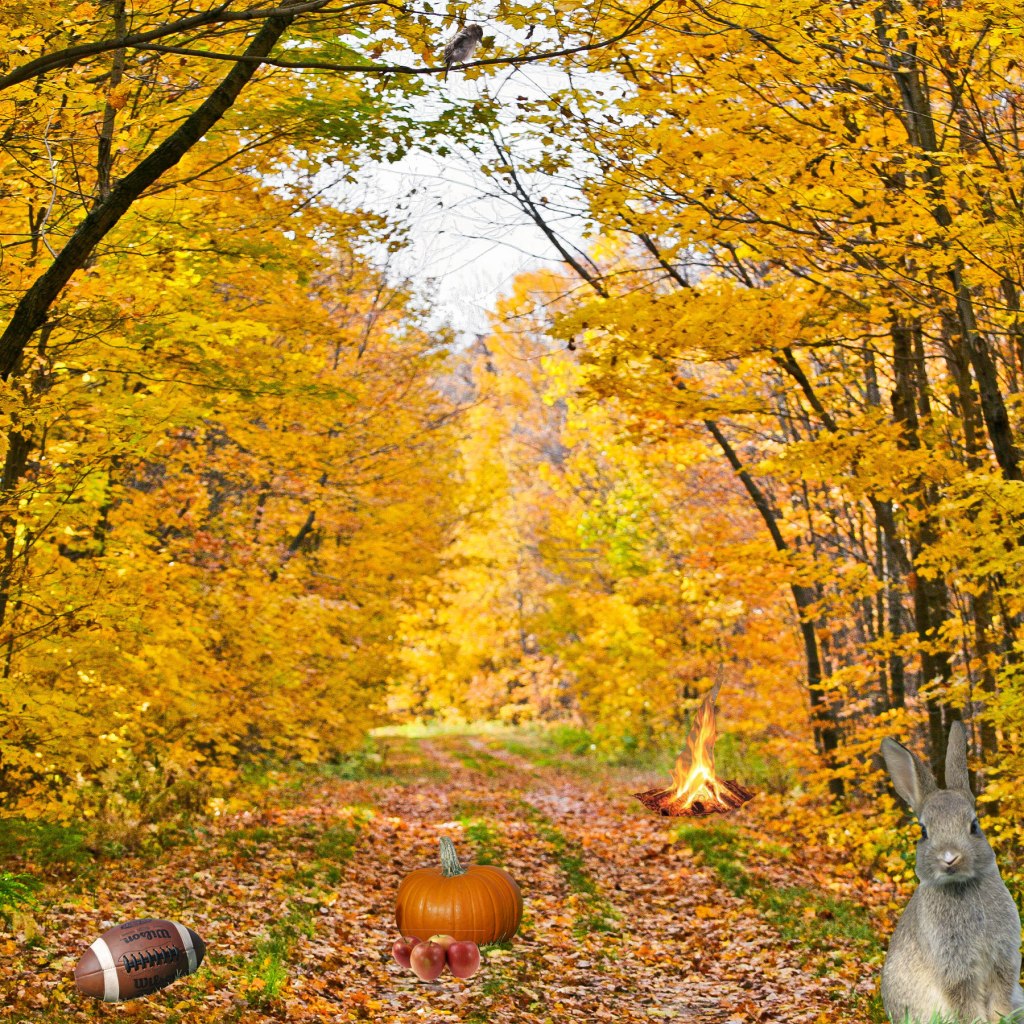
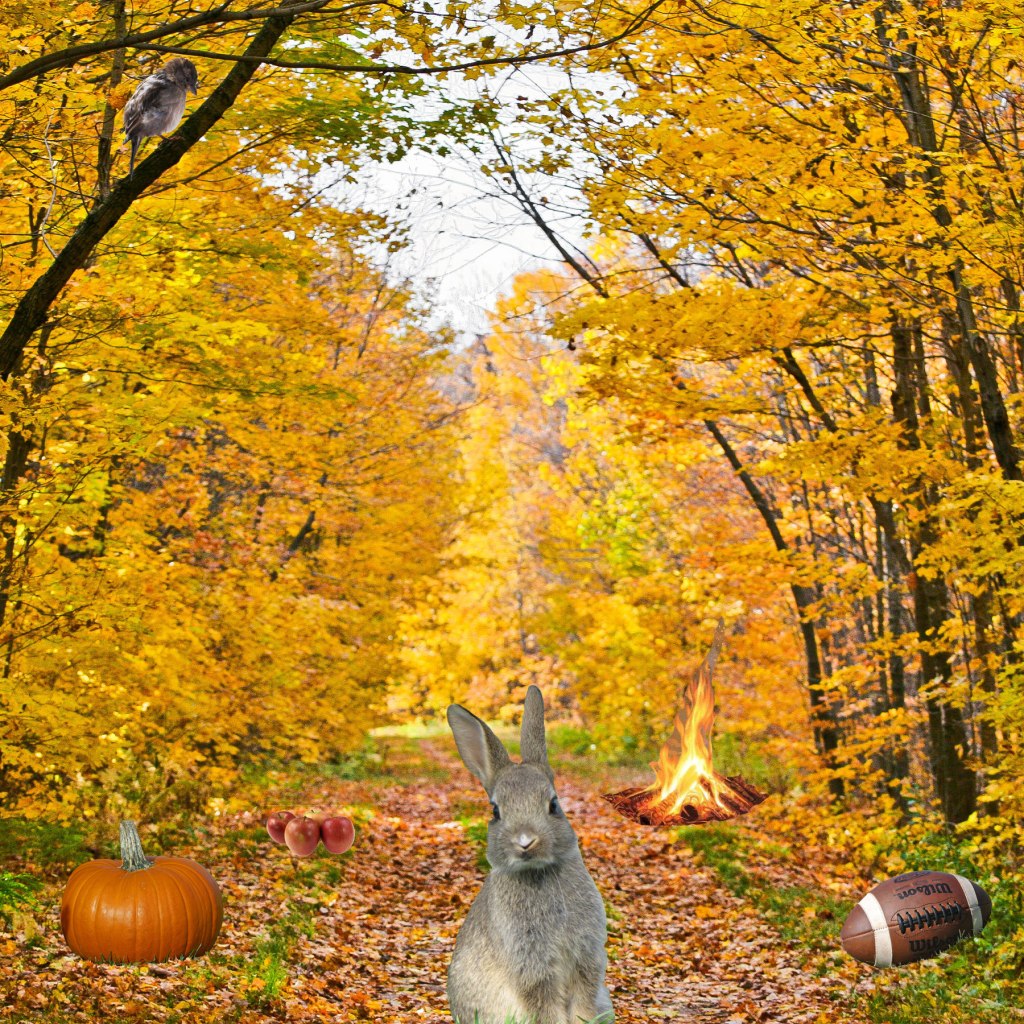
Today in class I decided to do a fall season theme for my design topic. I started with a background with trees and a pathway. From there, I needed to add six images. I added a bird, pumpkin, football, bunny, apples, and a camp fire. All of these items remind me of fall, which is why I wanted to add them to my design. For all these images I took time to use the magic wand or lasso and then I masked them so I could edit them later if I needed. I then exported my design and posted it on my blog! After that I rearranged my images to make a second design with the same images. This assignment gave me a better understanding for masking and I feel more comfortable with photoshop.
Beach Scene
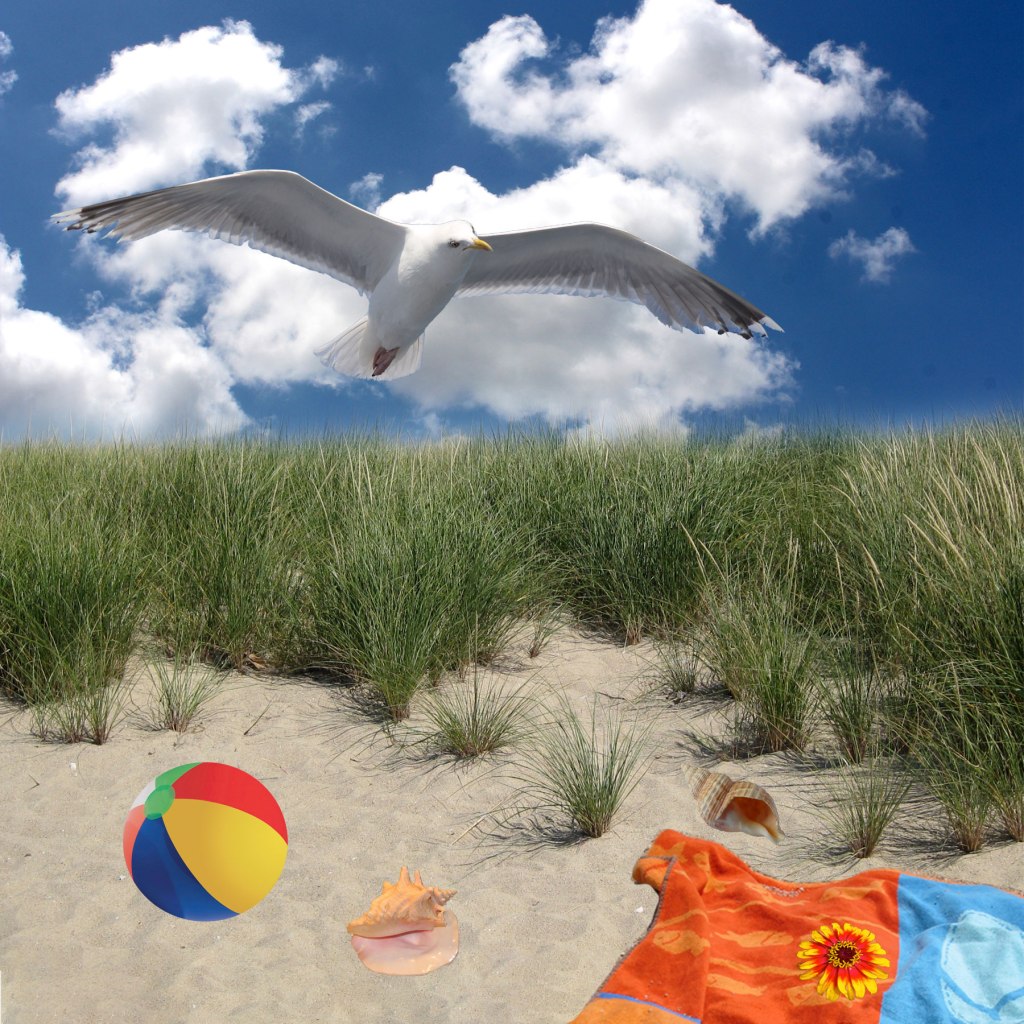
For today’s class we made this beach scene from scratch. I started by extending the sky so that the image was the size that I wanted. Next, I added the clouds to the blank sky and erased the edge so it wasn’t blocking the grass. After that, I learned different ways to crop images and paste them onto my beach scene such as, lasso and magic wand. I used this method to paste the beachball, bird, seashells, towel, and flower. This project was really fun and I learned a lot of new tools and tricks on photoshop through the process.
Altered Images 2
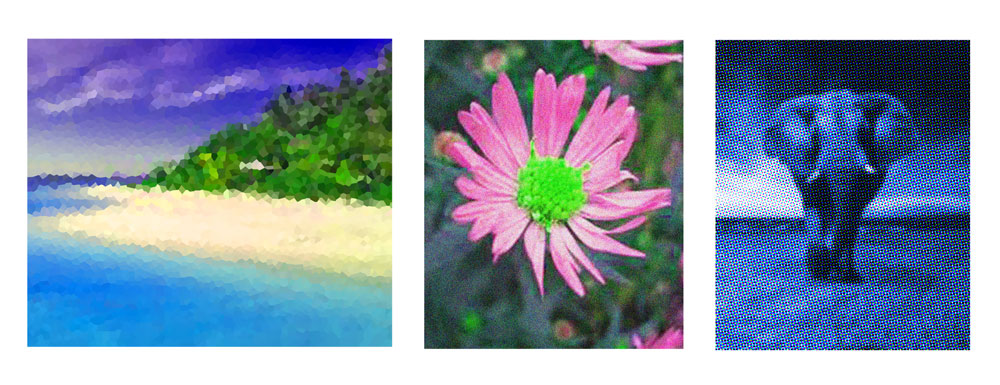
Today in class I picked three images that interested me. I chose a beach because that is one of my favorite places to go in the summer. I chose a flower because I think flowers are really pretty and they remind me of my best friend. And for my last image I chose an elephant because it is my favorite animal since I was little. Once I had my three images, I dragged them into photoshop to start. Then I added a white border and I began to crop the images to a size that I thought would look best. Next, I began to alter the images by adjusting the hue and saturation. After that, I played around with different filters. For my beach image I used a crystalizing filter. For my flower, I added noise, which I thought was a nice touch. And lastly, for my elephant image I used color halftone. I tried to make all the pictures match by altering the colors of each image to a blue. After that, I exported my new altered image so it was ready to be posted on my blog.
Altered Images
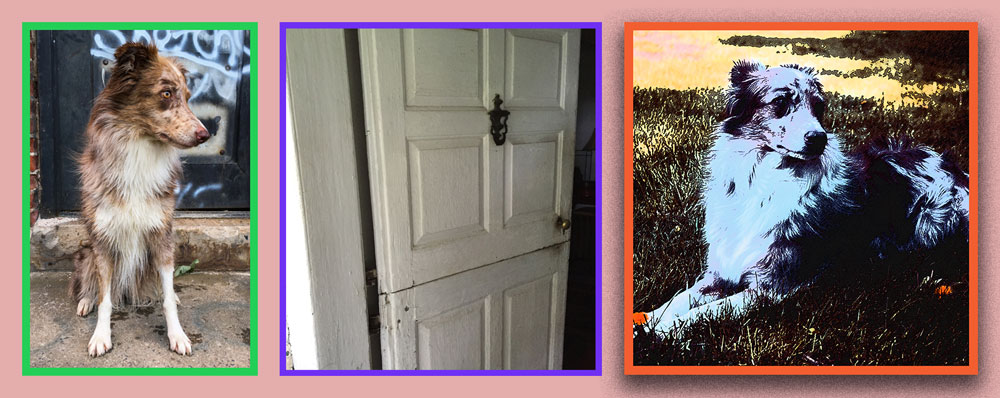
I started with three separate images in photoshop. I then moved them into one image and I learned how to add borders between my images. I made the background color light pink to make it unique. I even added a drop shadow behind my orange image for a nice touch. Lastly, I saved my first project on photoshop as a jpeg so I could upload it onto my blog on my first ever post!
 Allison