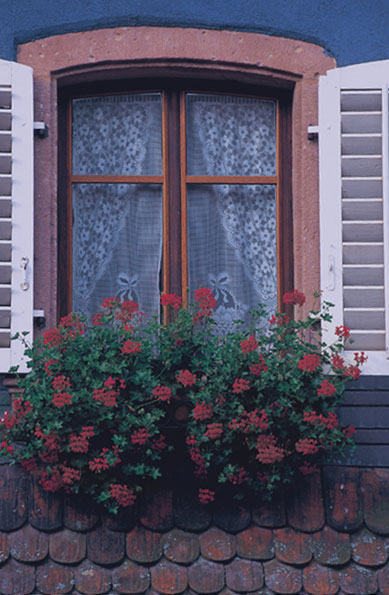
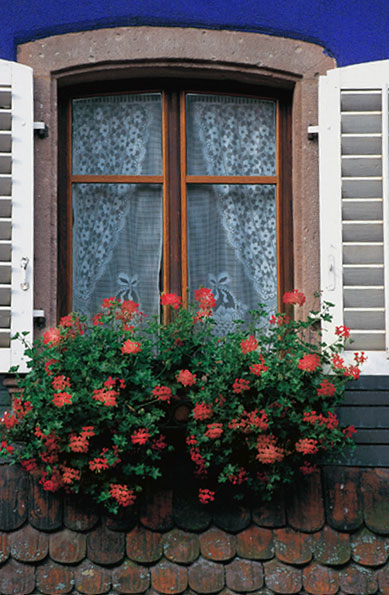
Today in class I started with the image on the left. I then learned may ways in which I could repair and enhance this image. I started by using the quick selection tool to change the color of the wall. I then used the sponge tool to change the color of the window. I then used the dodge tool to make the flowers brighter. I then used the auto tone, contrast, and color for the best possible image. Lastly, I exported my final image so I could post it to my blog.
- Comment
- Reblog
-
Subscribe
Subscribed
Already have a WordPress.com account? Log in now.
 Allison