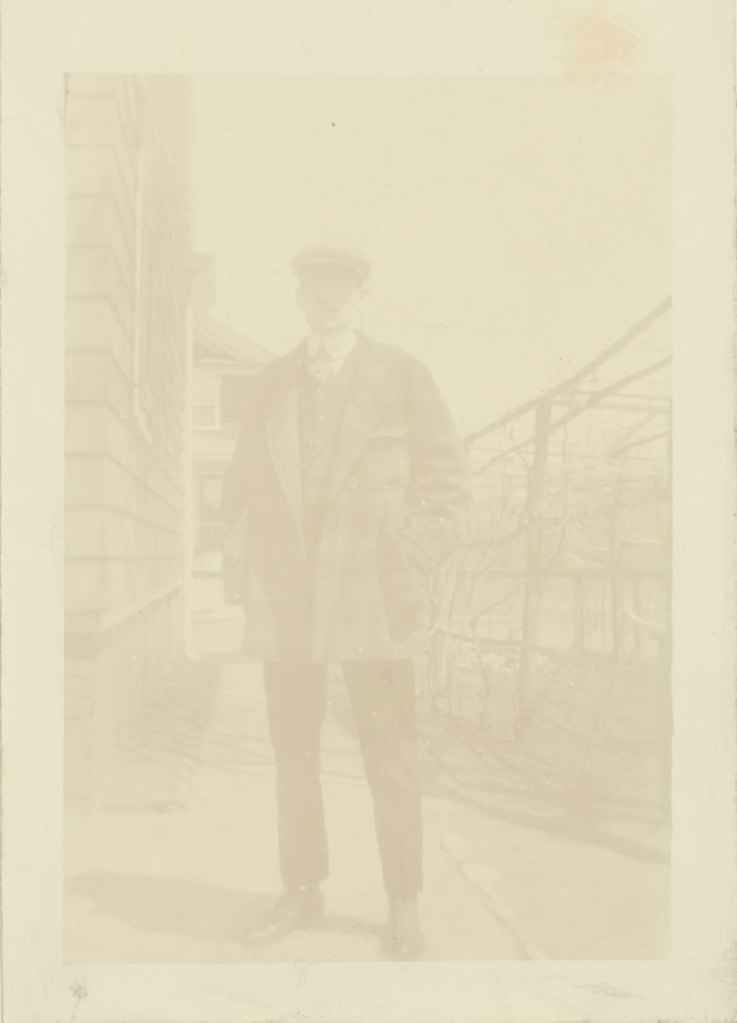
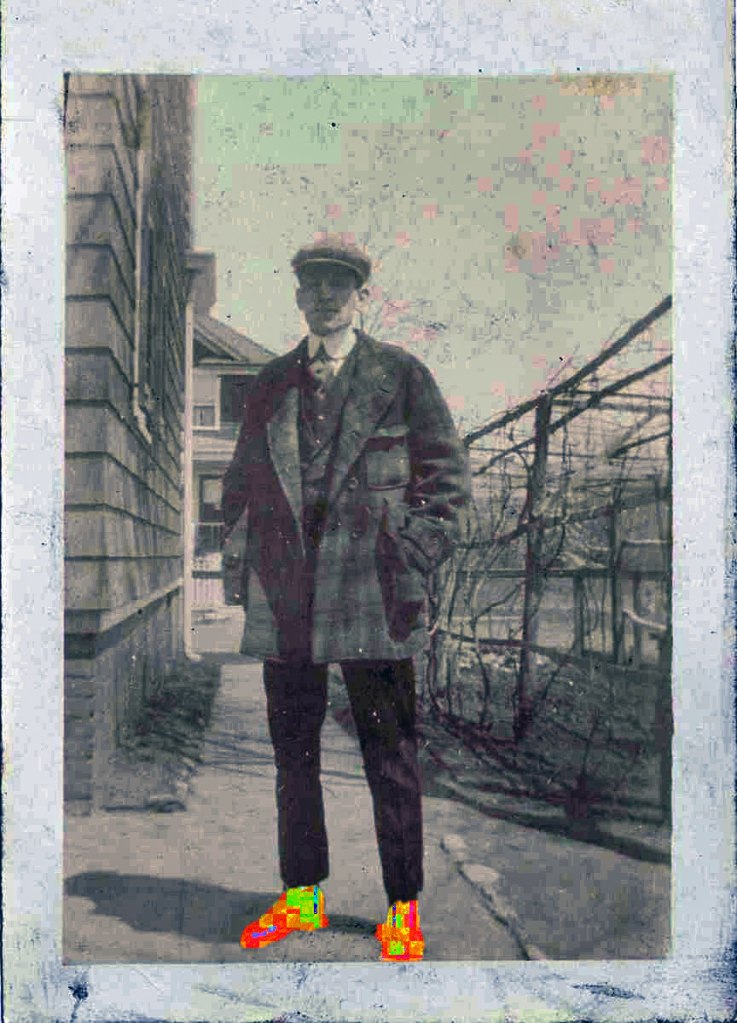
Today in class I started with the image on the right. I used many tools to enhance and repair this image. I used the auto tone, contrast and color. Then I fixed the blotchy area in the top right corner by using the cloning tool. Lastly, to spice up the image I used the quick selection tool to select the man’s shoes and I increased the hue, saturation, and lightness to make his shoes fun and colorful. This sure does make the image pop! To finish, I saved my image for the web and uploaded it to my blog.
- Comment
- Reblog
-
Subscribe
Subscribed
Already have a WordPress.com account? Log in now.
 Allison